
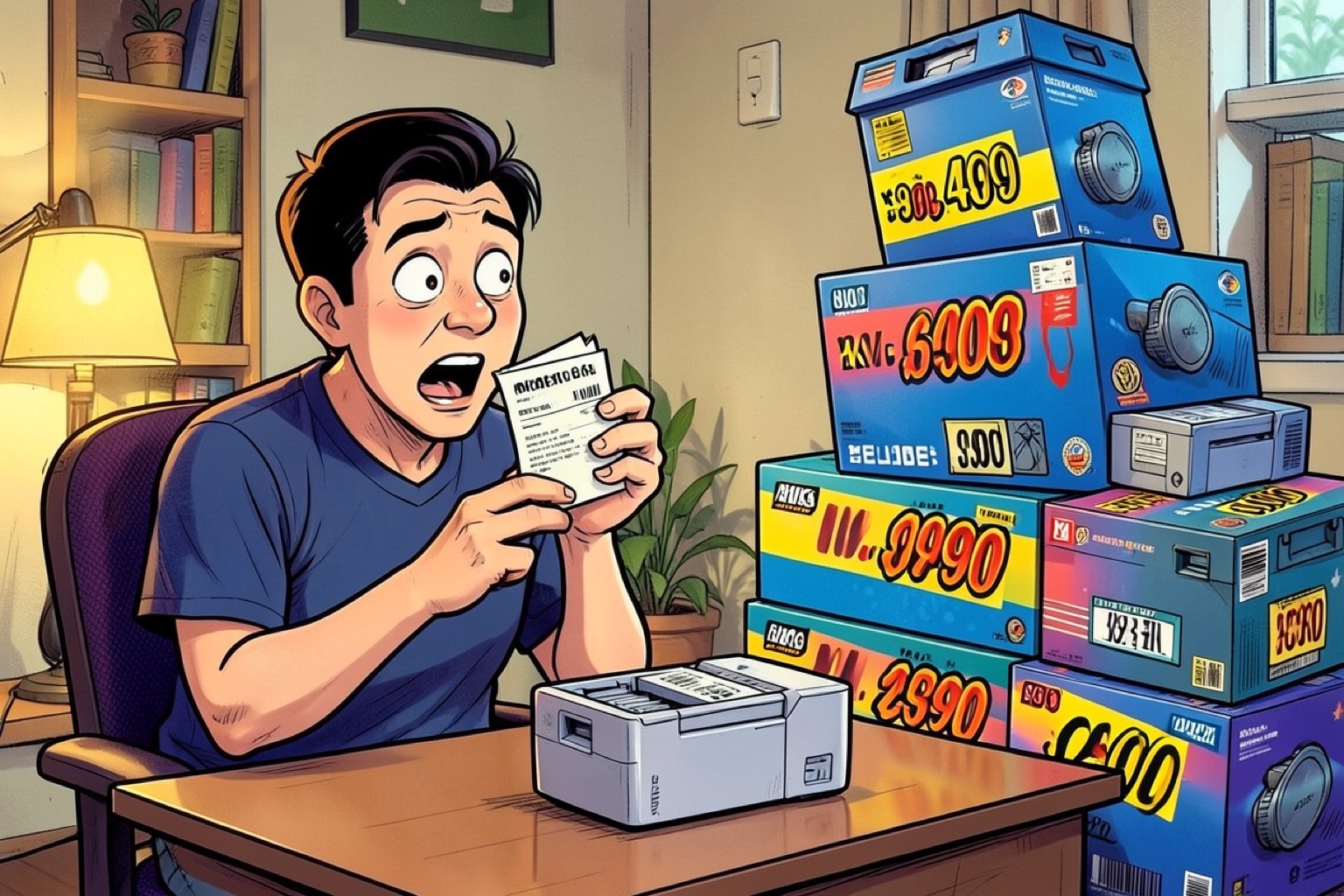
Printers are notoriously difficult to purchase because the market often prioritizes low entry prices over long-term reliability [S1, S4]. Many consumers find themselves trapped in a cycle of high operating costs after buying an inexpensive machine [S1, S4]. Understanding the mechanics of these devices and your own usage habits is the only way to avoid the most common buying mistakes.
The Trap of the Low-Cost Printer
Inkjet printers are frequently designed to sell at the lowest possible price point [1]. Under the hood, these devices are complex assemblies of motors, pulleys, and gears [1]. This mechanical complexity means more components can fail over time compared to simpler designs [1].
Manufacturers often subsidize the low hardware cost by setting high prices for ink or toner [S2, S4]. Once you get a super-cheap printer home, you may find that replacing the cartridges costs nearly as much as the device itself [S1, S2]. Always evaluate the total cost of ownership rather than the sticker price alone [S2, S3].
Matching Your Printer to Your Print Mix
Start by identifying what you actually print [S2, S3]. If you primarily print black-and-white text, a mono laser printer is the superior choice [3]. These machines provide sharp output and are more tolerant of long idle periods because toner does not dry out [3].
For households that print color documents weekly, an ink tank printer is usually the most economical option [3]. These models use refillable bottles to slash the cost-per-page [3]. If you need to produce charts, brochures, or business graphics, a color laser printer offers faster speeds and smudge-resistant output [3].
Calculating the Real Cost of Ownership
Do not base your decision solely on the initial purchase price [2]. You must consider the long-term cost-per-page [3]. Vendors typically calculate yields based on 5 percent page coverage, which is roughly a few paragraphs of text [3].
Real-world usage, such as school projects or slide decks, often involves 10 to 20 percent coverage, which drives up actual costs [3]. Furthermore, some printers strictly enforce the use of chipped supplies [3]. Before buying, check if the model requires original cartridges to avoid being locked into expensive, proprietary supplies [3].
Essential Features Versus Marketing Fluff
Focus on features that improve your actual workflow [3]. Auto-duplex printing and an Automatic Document Feeder (ADF) are essential for managing multi-page documents [3].
Connectivity is another critical factor [3]. Look for Ethernet for office stability, or reliable Wi-Fi with AirPrint and Mopria support for home environments [3]. Avoid paying for features you will never use, such as advanced photo-printing capabilities if you only print text documents [2].
Before you finalize your purchase, compare similar models from different manufacturers to ensure you are getting the best value for your specific needs [2]. Taking a moment to verify these details now can save you significant frustration and expense later.
