
Apple has rolled out a cluster of security changes across hardware and software that shift the baseline for iPhone protection. Some require new devices; others arrive via updates you may already have. Here’s what changed, how the pieces fit together, and what to check on your own phone.
Memory Integrity Enforcement raises the bar for spyware
The biggest structural change ships only on the iPhone 17 and iPhone Air. Called Memory Integrity Enforcement (MIE), it builds on Arm’s Memory Tagging Extension and Apple’s own Enhanced Memory Tagging Extension to tag every memory allocation with a secret key [2]. When code tries to access memory with the wrong tag, the hardware blocks it. This targets the memory corruption bugs that power most commercial spyware chains — including those used by NSO Group’s Pegasus and Paragon’s Graphite [2].
Security researchers who develop exploits for government clients say MIE will raise the cost and time to build working iPhone exploits, and may leave mercenary vendors without working tools for a window after launch [2]. Halvar Flake, an offensive security expert, notes memory corruptions are “the vast majority of exploits” [2]. Google offers similar MTE support on Pixel 8 and GrapheneOS, but Flake says the new iPhones will be “the most secure mainstream” devices [2].
If you’re on an older iPhone, you don’t get MIE. The feature depends on hardware support Apple added to its latest silicon. For high-risk users — journalists, activists, officials — upgrading to iPhone 17 or Air is the only way to gain this protection.
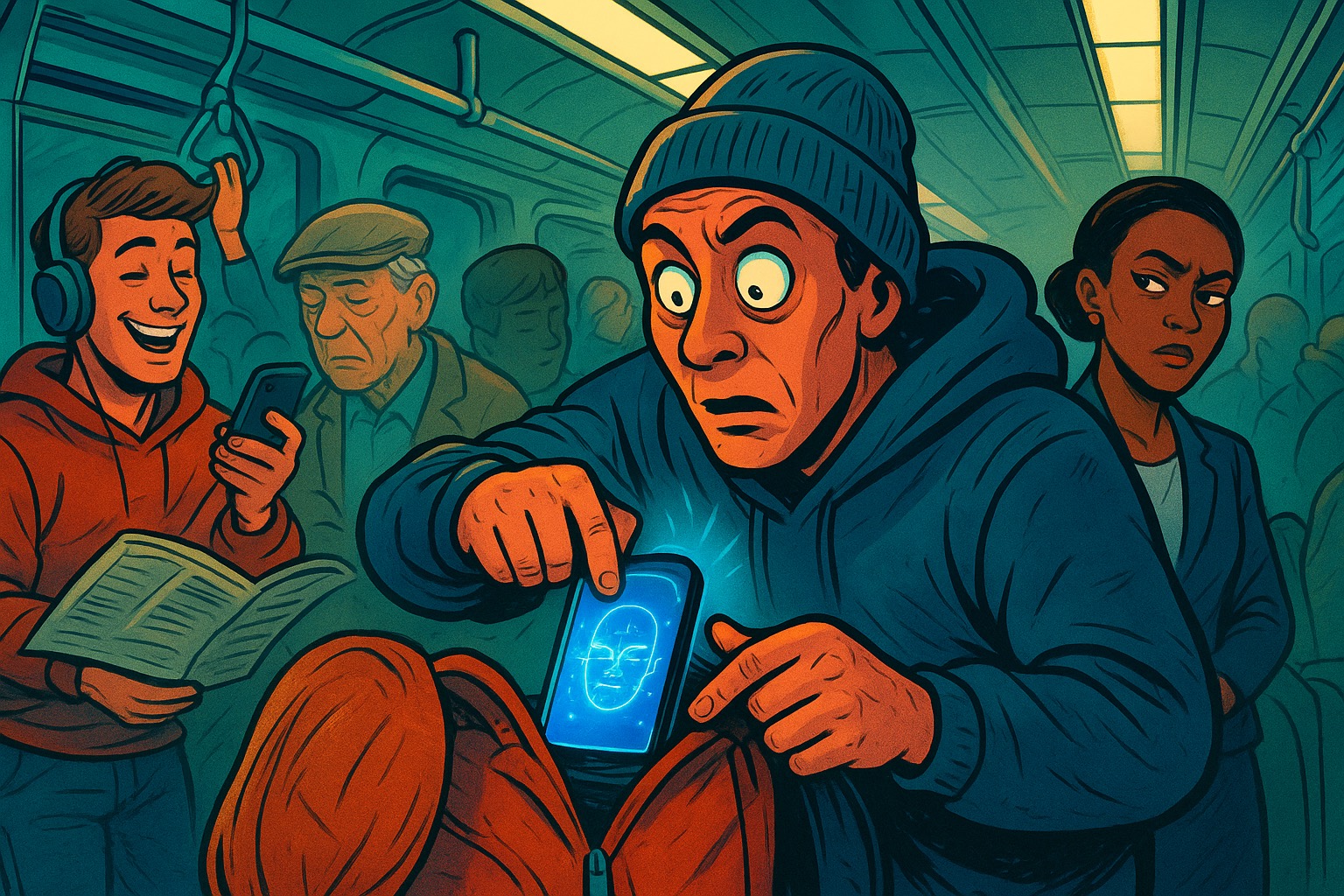
Stolen Device Protection is now on by default
Starting with iOS 26.4, Apple enables Stolen Device Protection automatically for all users [3]. Previously it was opt-in. The feature adds two layers when your iPhone leaves familiar locations like home or work [5]:
- Biometric-only gate: Accessing saved passwords, credit cards, Apple Card details, erasing the device, or setting up a new device requires Face ID or Touch ID with no passcode fallback [5].
- Security delay: Changing your Apple Account password, adding or removing Face ID, enrolling in MDM, or turning off Stolen Device Protection itself triggers a one-hour wait followed by a second biometric check [5].
The delay is designed to give you time to mark the device lost via iCloud.com before a thief can lock you out [5]. You can still disable the feature in Settings > Face ID & Passcode > Stolen Device Protection, but if you try to turn it off away from a familiar location, the security delay applies [5].
This change matters because most users never enabled the optional version. Default-on means the protection is active unless you deliberately remove it.
Limit precise location sharing with your carrier
A separate privacy feature rolled out in iOS 26.3 on iPhone Air, iPhone 16e, and iPad Pro (M5) cellular models [7]. When enabled, it reduces the location precision your device reports to the cellular network — sharing a neighborhood instead of a street address [7]. Apple says this does not affect location accuracy for apps or emergency calls [7].
The feature is currently supported on a handful of carriers: Telekom in Germany, AIS and True in Thailand, EE and BT in the UK, and Boost Mobile in the US [7]. Gary Miller, a mobile security researcher at Citizen Lab and iVerify, notes most people don’t realize devices send location data to the network independent of app permissions [7]. This feature closes that gap where supported.
If you have a compatible device and carrier, you’ll find the toggle in Settings > Privacy & Security > Location Services > System Services > Limit Precise Location.
Security updates now ship faster because AI speeds up attackers
Apple has started pulling security fixes out of beta cycles and releasing them in smaller, earlier updates [8]. iOS 26.5.2, iPadOS 26.5.2, and macOS Tahoe 26.5.2 delivered patches originally slated for the 26.6 beta [8]. Apple told Reuters it’s adapting because AI tools help attackers study flaws, build exploits, and adapt them faster than before [8].
The gap between a fix appearing in beta code and reaching users is now a liability — attackers can compare betas, inspect changes, and use AI to accelerate weaponization [8]. WebKit fixes dominate recent advisories because the browser engine remains the most exposed attack surface on iPhone [8].
Apple also introduced Background Security Improvements in iOS 26.1, which can patch Safari, WebKit, and system libraries without a full OS update [8]. You can verify it’s enabled in Settings > Privacy & Security > Background Security Improvements > Automatically Install [8].
What to do today
- Update to the latest iOS — the faster patch cycle only protects you if you install updates promptly. Turn on Automatic Updates in Settings > General > Software Update.
- Check Stolen Device Protection — open Settings > Face ID & Passcode > Stolen Device Protection and confirm it’s on. Consider the “Always” option if you want the biometric gate and delay even at home.
- Enable Limit Precise Location if your device and carrier support it — the setting appears only when both conditions are met.
- Verify Background Security Improvements — keep automatic installation on for the lightweight patches between major releases.
- Assess your risk profile — if you’re a likely spyware target, the hardware-enforced MIE on iPhone 17 or Air is a meaningful upgrade. For most users, the software-layer protections above provide substantial coverage.
Apple’s security model now moves on three tracks: hardware hardening on new devices, default-on behavioral safeguards, and a faster patch rhythm driven by AI-accelerated threats. The practical takeaway: keep your software current, use the built-in toggles, and match your hardware refresh cycle to your actual risk.
Sources
- Apple’s latest iPhone security feature just made life more difficult …
- iOS 26.4 will automatically turn on strict security feature … - 9to5Mac
- About Stolen Device Protection for iPhone - Apple Support
- Apple’s new iPhone and iPad security feature limits cell … - TechCrunch
- Apple Security Updates Move Faster as AI Raises Hacking Risks
- Apple’s Security Feature Strikes Again - YouTube
- How to Enable Apple’s New Security Features - AARP
- iOS 18.1—Apple Secretly Added A Cool New iPhone Security Feature - Forbes
