
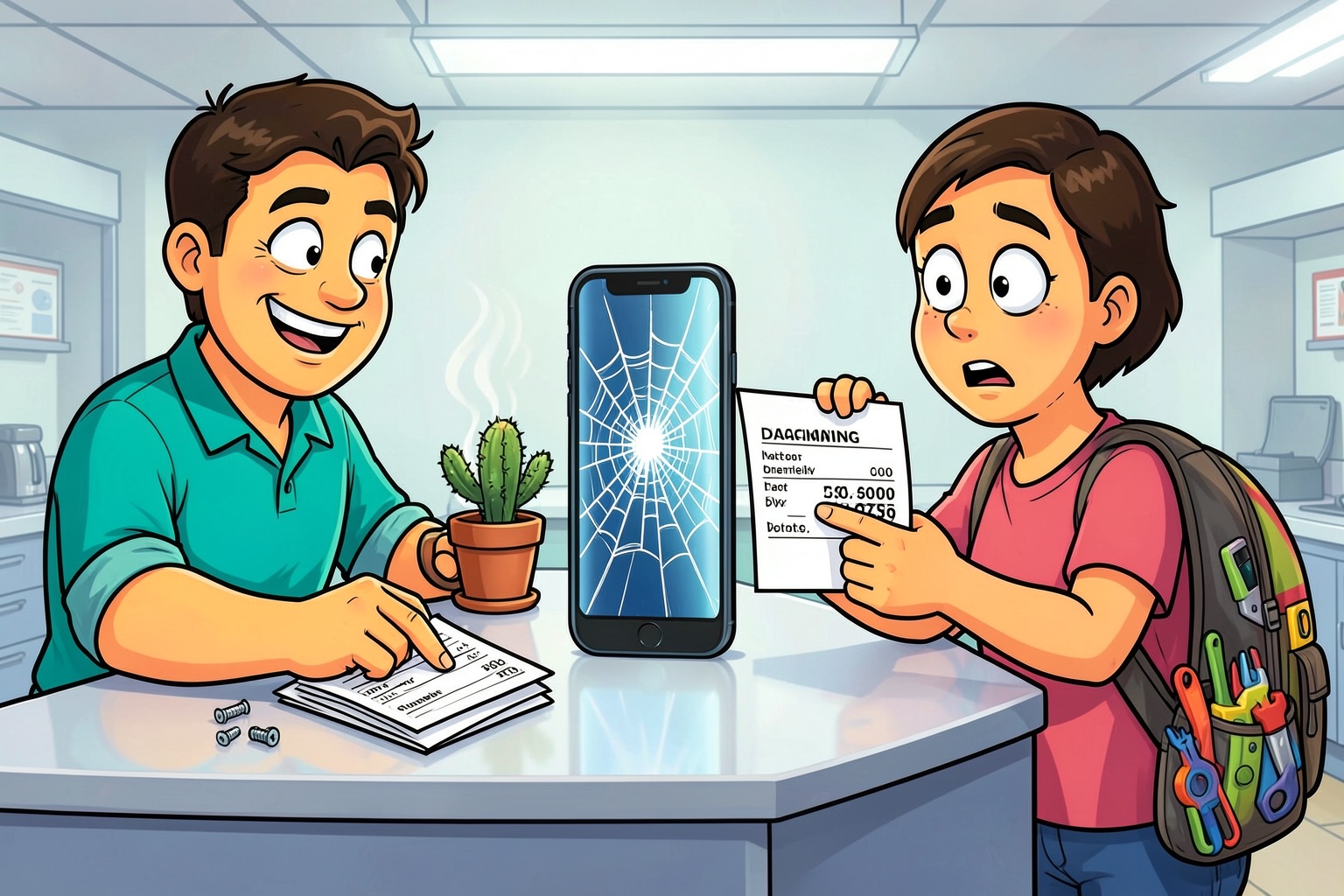
Your screen is cracked. Your phone won’t charge. The repair quote makes you wince. Before you decide between a repair shop and a screwdriver kit, understand what each path actually delivers — and what it costs in time, money, and risk.
Free diagnostics are now standard at major chains
Walk into a uBreakiFix by Asurion location and they’ll run a diagnostic at no charge, often same-day. If the fix is simple, they can finish it in a few hours. All repairs carry a one-year warranty and a low-price guarantee, so you know the exact cost before committing and you’re covered if the same part fails again. [2][3]
Independent shops like FixlyLab in Nicosia follow a similar model: free assessment, same-day turnaround for most jobs, and technicians who handle everything from water damage to console repairs. They emphasize that complex repairs may take longer than an hour, but the estimate comes first. [4]
The DIY route has never been better documented
iFixit publishes thousands of free, step-by-step guides covering phones, laptops, game consoles, and appliances. Their community forum adds many crowdsourced solutions for edge cases the manuals miss. You can buy the exact parts and precision tools from their store, each backed by a lifetime guarantee. The organization also tracks repairability scores for new devices and lobbies for right-to-repair legislation that forces manufacturers to sell parts and publish service manuals. [5]
What you trade off with each choice
Professional repair buys speed and accountability. You hand over the device, get a fixed unit back, and have a warranty paper trail. The downside is labor markup and potential wait times if parts aren’t in stock.
DIY repair costs less upfront — parts plus tools — but demands patience, a clean workspace, and comfort with tiny screws and adhesive. Mistakes can brick the device or void any remaining manufacturer warranty. iFixit’s guides rate difficulty honestly; some repairs are moderate and require specialized tools, while others are easier. [5]
A quick decision checklist
- Data safety: Back up first. Pros often require a wipe; DIY lets you control the process.
- Warranty status: If the device is still under AppleCare, Samsung Care+, or carrier insurance, use the authorized channel.
- Repair complexity: Check iFixit’s guide for your model. If it lists “heat gun,” “microsoldering,” or “display calibration,” lean professional.
- Time budget: Same-day shop service beats a weekend project when you need the phone for work Monday.
- Cost ceiling: Get the free diagnostic quote. If parts plus tools approach the shop price, the pro route often wins on value.
The right-to-repair movement changes the math
Legislation in the EU and several U.S. states now requires manufacturers to sell genuine parts and provide repair documentation to independent shops and consumers. That means the parts you buy from iFixit or a local shop are increasingly the same ones the authorized network uses. It also pressures brands to design for disassembly — fewer proprietary screws, more modular batteries — which benefits both DIYers and third-party technicians. [5]
Start with a free look
There’s no penalty for getting a professional diagnosis first. Walk into a uBreakiFix or a reputable local shop, learn exactly what’s broken and what it costs, then decide whether the parts-and-tools route saves enough to justify your time. The diagnostic is free; the clarity is valuable. [2]
