
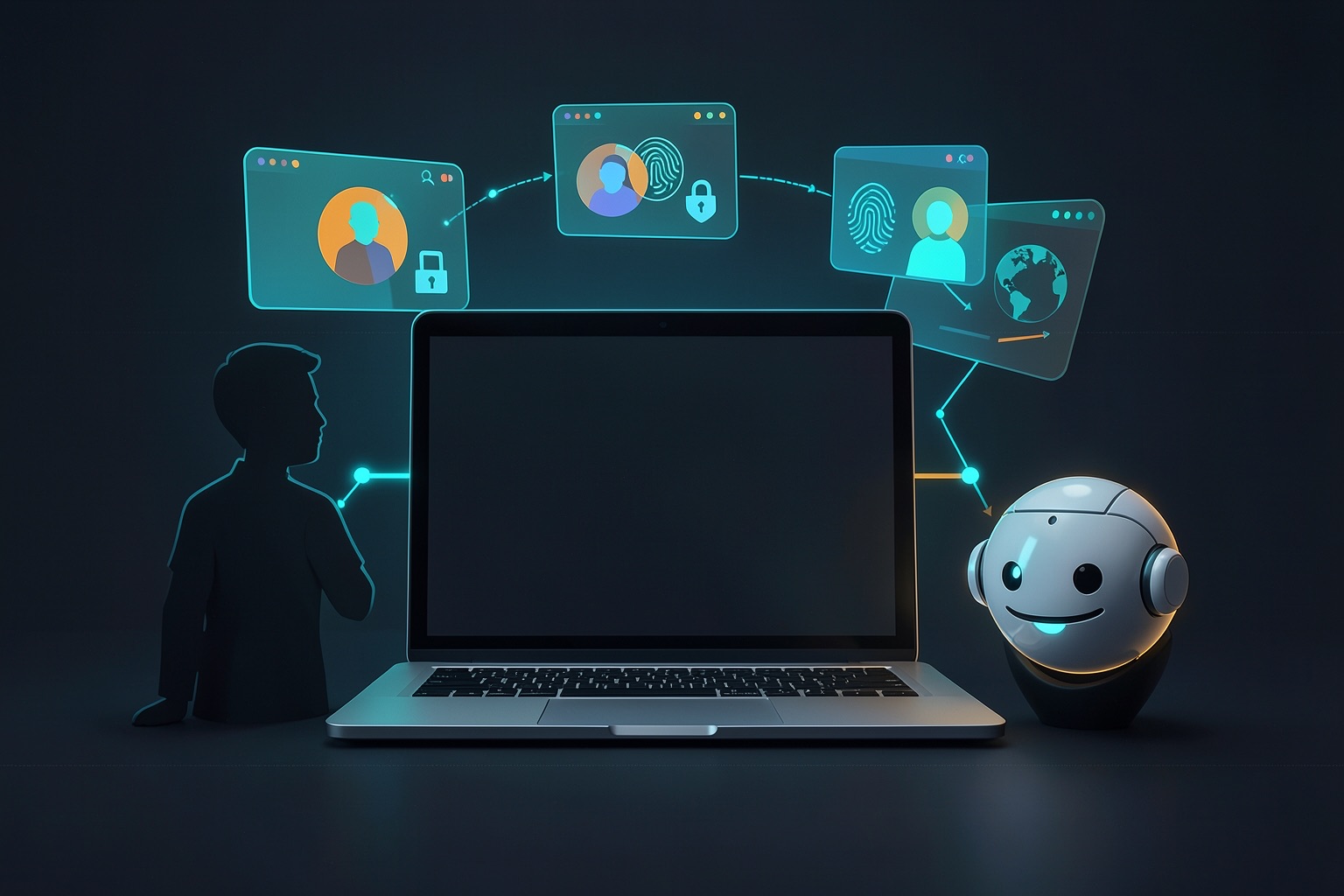
If you searched for an antidetect browser, you are probably solving one of two problems. You may manage several legitimate accounts and want each one isolated from the others. Or you may be wiring up an AI agent that browses the web and needs a stable browser identity plus a clean automation interface.
Those needs overlap, but they are not identical. A product that feels convenient for a human operator may be awkward to drive through code. This comparison focuses on solo operators and small teams, with an emphasis on choosing the right tool rather than promising that any browser can make automation invisible.
What a browser fingerprint is
Websites do not need cookies to distinguish one browser from another. Browsers expose many small signals, including screen dimensions, installed fonts, language and timezone, graphics details through WebGL, available media devices, and subtle canvas-rendering behavior. Combined, those signals can form a browser fingerprint [1].
The Electronic Frontier Foundation describes fingerprinting as tracking based on configuration and settings information exposed by a browser rather than only on cookies or IP addresses [2]. This is why simply clearing cookies does not necessarily create a fresh identity.
An antidetect browser creates isolated profiles and changes or standardizes selected signals for each profile. The important word is consistent. Random values that contradict one another can look less credible than the ordinary fingerprint they replaced.
A proxy is a separate part of the setup. If a profile reports one timezone, language, or device context while its IP address points somewhere incompatible, the mismatch may become a risk signal. No browser can guarantee that a platform will accept an account or automated session.
Personal and small-team options
Multilogin
Multilogin is an established commercial option built around isolated browser and cloud-mobile profiles. Its current documentation covers programmatic control through Puppeteer, Selenium, and Playwright [3]. That makes it viable for automation as well as manual profile management.
It is a strong fit when profile operations, proxy management, and team access need to live in one commercial product. Check the current plan limits directly before buying, because its packaging and free access have changed over time.
GoLogin
GoLogin uses separate browser profiles with distinct digital fingerprints and offers desktop, web, and cloud workflows. Its official site currently describes automatic configuration across 53 fingerprint parameters and advertises a seven-day trial [4].
It is one of the easier products to shortlist when you want a conventional antidetect interface plus an API. Selenium and Puppeteer integrations are documented, but test the exact automation framework and deployment mode you plan to use rather than assuming every feature behaves identically in local and cloud sessions.
Kameleo
Kameleo emphasizes automation and supports Selenium, Puppeteer, and Playwright. Its developer documentation includes a dedicated Playwright integration for launching profiles with spoofed fingerprints [5].
It deserves attention when framework compatibility matters more than a large built-in operations dashboard. Kameleo also offers browser-engine flexibility, but availability can vary by product tier and platform, so verify the combination you need before standardizing on it.
AdsPower
AdsPower combines profile management with local API access, synchronization tools, and an RPA layer. It offers Chromium- and Firefox-based environments and currently advertises two free profiles on its pricing page [6].
For a person who wants to test multi-profile operations before writing code, that free allowance is useful. For automation, the local API and RPA features are the main differentiators; evaluate whether they simplify your workflow or create another proprietary layer to maintain.
Dolphin Anty
Dolphin Anty is aimed heavily at multi-account operations, with profile tables, synchronization, automation access, and controls for common fingerprint signals. Its help center documents automatic and manual fingerprint settings [7].
It can be a practical choice for operators who care about profile organization and synchronized actions. As with every commercial option, confirm the current free-profile allowance and API access on the vendor’s pricing page, because third-party comparisons frequently lag behind plan changes.
Agentic use: when code drives the browser
An AI agent needs more than a collection of isolated profiles. It needs a dependable launch API, predictable session lifecycle, Playwright or Selenium compatibility, and enough observability to recover when a page changes.
Camoufox
Camoufox is the clearest open-source, agent-oriented option in this group. It is a Firefox fork with fingerprint changes implemented at the C++ level rather than through page-injected JavaScript. Its Python package wraps Playwright and generates device characteristics such as operating system, fonts, headers, navigator values, and screen dimensions [8].
That transparency is useful when you want to inspect or self-host the browser layer instead of trusting a closed fingerprint generator. Camoufox is a strong first experiment for code-first projects, but it is not a turnkey account-management service: you still own orchestration, proxies, profile storage, updates, and operational monitoring.
Ornold as an MCP layer
Ornold takes a different approach. It is an MCP-based automation layer that can connect AI tools to supported antidetect browsers over the Chrome DevTools Protocol. Its Vision integration advertises screenshot-driven interaction, parallel profile control, and optional CAPTCHA-solving services [9].
This is most relevant when you already have commercial browser profiles and want an agent to operate them. It adds an agent-facing control plane rather than replacing the underlying browser. CAPTCHA automation can violate site rules or local law in some contexts, so use it only where you have authorization.
How to choose
For manual multi-account use, compare:
- the number of profiles included in the current plan;
- proxy assignment and profile-sharing controls;
- supported operating systems and browser engines;
- backup, synchronization, and team permissions;
- whether fingerprint defaults remain internally consistent.
For an agent-driven workflow, compare:
- a documented API, CDP endpoint, or MCP server;
- proven compatibility with your exact Playwright or Selenium version;
- headless and remote-session behavior;
- profile persistence and crash recovery;
- logs, screenshots, traces, and concurrency limits;
- how clearly the vendor explains fingerprint generation.
If you are starting with code and are comfortable self-hosting, Camoufox is the most transparent first test. If you already manage profiles in a commercial product, connecting that product through its API or an MCP layer may require less migration. If a person will do most of the work, prioritize profile ergonomics and support over an agent-specific feature list.
Frequently asked questions
Are antidetect browsers legal to use?
The software itself has legitimate privacy, testing, account-isolation, and automation uses. Legality depends on what you do with it and where you operate. Using someone else’s identity, stolen sessions, or unauthorized accounts can be unlawful. Platform terms may also prohibit conduct that is not independently illegal.
What is the difference between an antidetect browser and a privacy browser?
A privacy browser mainly tries to block trackers or reduce exposed information. An antidetect browser additionally creates isolated profiles and changes selected fingerprint signals so profiles appear as separate browser environments.
Can AI agents use the same antidetect browsers as people?
Often, yes. Many commercial products expose Selenium, Puppeteer, Playwright, API, or CDP integrations. Code-first tools such as Camoufox and agent-control layers such as Ornold are designed more directly around automated operation.
Do I need a proxy too?
Usually, if each profile needs a separate network identity. The proxy’s location should be compatible with the profile’s timezone, language, and expected usage. A proxy does not make automation undetectable and should not be treated as permission to ignore a site’s rules.
Is there a free, open-source option?
Camoufox is open source and can be self-hosted. Commercial products may also offer free plans or trials, but profile counts and included features change, so verify current limits on the vendor’s site.
How many fingerprint parameters matter?
There is no universal winning number. Coverage matters, but internal consistency and correct browser behavior matter more than a large marketing count. Test the product against your real, authorized workflow rather than ranking tools solely by parameter totals.
Responsible use
Antidetect browsers are dual-use tools. Profile isolation can protect legitimate operations from accidental cross-account linkage, but the same technology can be abused with stolen cookies or identities. Use accounts and data you own or are authorized to manage, follow applicable terms and laws, and treat claims of guaranteed ban avoidance as a warning sign rather than a feature.
