
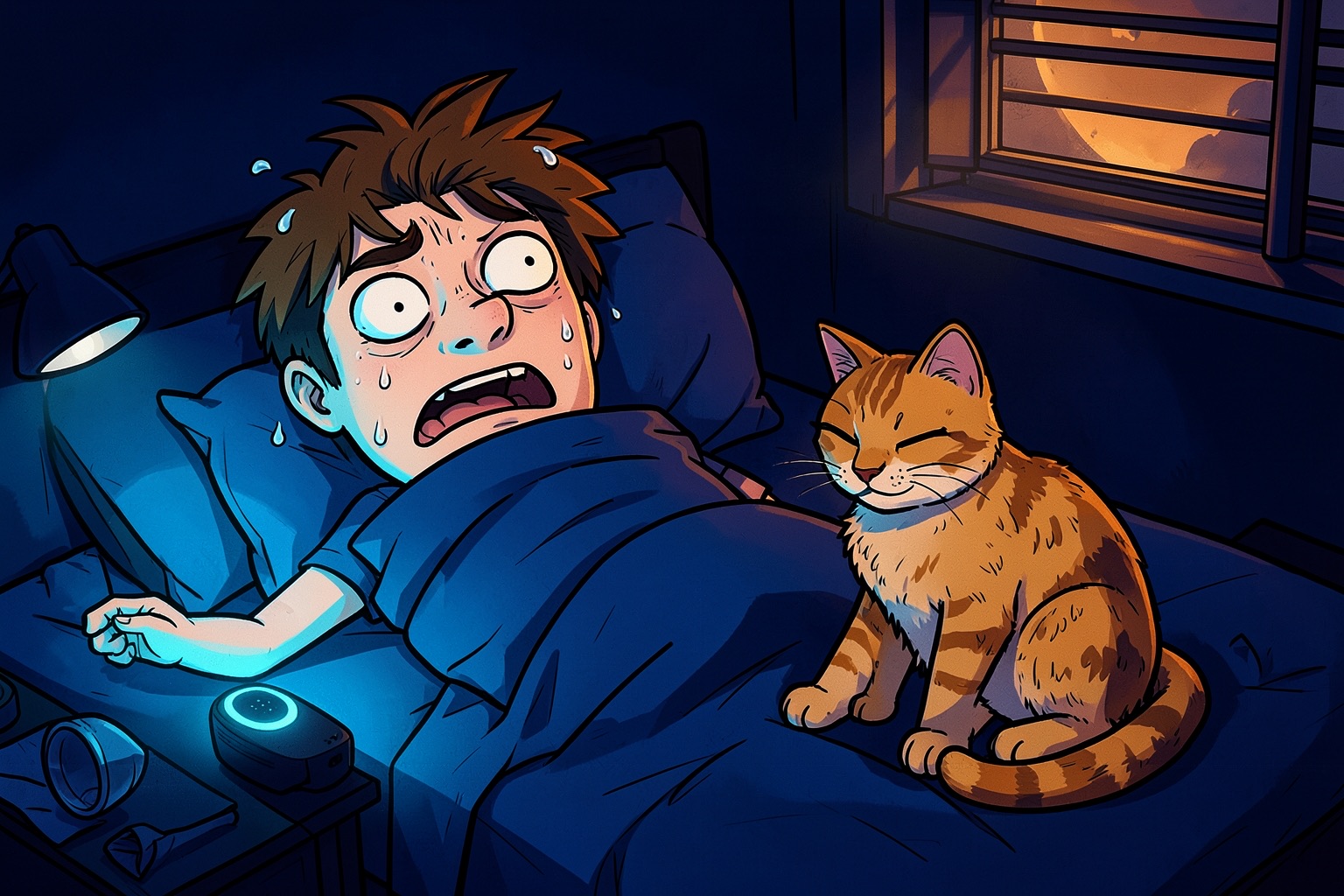
Reports of Alexa making unexplained noises at night — typing sounds, guttural breathing, sudden laughter — have circulated widely across social platforms. Users also describe devices referencing personal details they never shared, such as nursing-school history or family members’ names. These incidents renewed concerns about what smart speakers retain and when they listen.
Amazon fixed the “possessed” breathing sounds
The most dramatic noises — the guttural, breathing-like interruptions — had a specific, reproducible trigger. Asking Alexa to count long sequences of numbers would cause the text-to-speech engine to degrade, inserting spooky sounds before losing track of the count entirely. Amazon confirmed the root cause was the TTS model struggling with extended sequential output and deployed a fix in early July 2026 [4]. If your Echo was counting numbers and sounding like a horror movie, that particular bug is resolved.
Why random laughter still happens
The fix addressed counting sequences, not the broader false-trigger problem. In quiet nighttime environments, Alexa’s wake-word detector becomes more sensitive. Ambient sounds — sleep-talking, TV dialogue, pet noises, even a cat’s meow combined with rustling blankets — can mimic “Alexa, tell me a joke” or similar commands [5]. One documented case showed a cat triggering a 2:27 AM joke request that woke the owner with canned laughter [5].
Voice assistants rely on probabilistic models. With less competing audio to filter out, false positives rise [5]. Third-party skills with joke-telling or sound-effect functions can also fire unexpectedly if their invocation phrases are misheard [5].
Practical steps to stop the surprises
You can eliminate most unwanted audio with a few configuration changes:
Change or deactivate the wake word Switch from “Alexa” to “Computer” or “Echo” to reduce accidental activations from casual conversation [5].
Disable unnecessary skills Open the Alexa app → Skills & Games → Your Skills. Remove any unfamiliar or unused skills, especially those with joke, horror, or sound-effect content [5].
Turn off Brief Mode Verbal confirmations like “OK” or “Turning on the lights” can startle at night. Disable via Alexa App → Settings → Voice Responses → toggle off Brief Mode [5].
Mute the microphone at night Press the physical mute button on top of the device before bed. The red light ring confirms the mic is off [5].
Schedule volume reductions Use Routines in the Alexa app to automatically lower volume after bedtime and restore it in the morning [5].
Review and delete voice history Navigate to Settings → Alexa Privacy → Review Voice History. Listen to odd-hour entries and delete suspicious recordings. You can also disable voice recording storage entirely [5].
Position devices strategically Keep Echo units away from TVs, radios, windows, and noisy appliances where external audio could trigger false wake-ups [5].
What the private-detail claims imply
Multiple users report Alexa referencing specific personal facts — nursing school, a husband leaving — that they never spoke to the device [2][3]. When confronted, one device reportedly admitted having “background information” but couldn’t explain the source [3]. Amazon has not publicly addressed these specific claims. The TTS fix resolves audio artifacts, not data-retention questions. Until more transparency arrives, the mute button and voice-history deletion remain your strongest controls.
If you want a quieter, more predictable smart speaker, start with the mute button tonight and audit your skills this weekend.
Sources
- Amazon has fixed those bizarre noises Alexa was making
- Why Does My Alexa Randomly Laugh At Night How To Disable Creepy Sounds
- Alexa Is Making Creepy Noises And Revealing Private Details #Alexa #AI …
- ALEXA IS MAKING CREEPY NOISES AT NIGHT — AND PEOPLE … - Facebook
- Alexa Is Making Creepy Noises And Revealing Private Details
